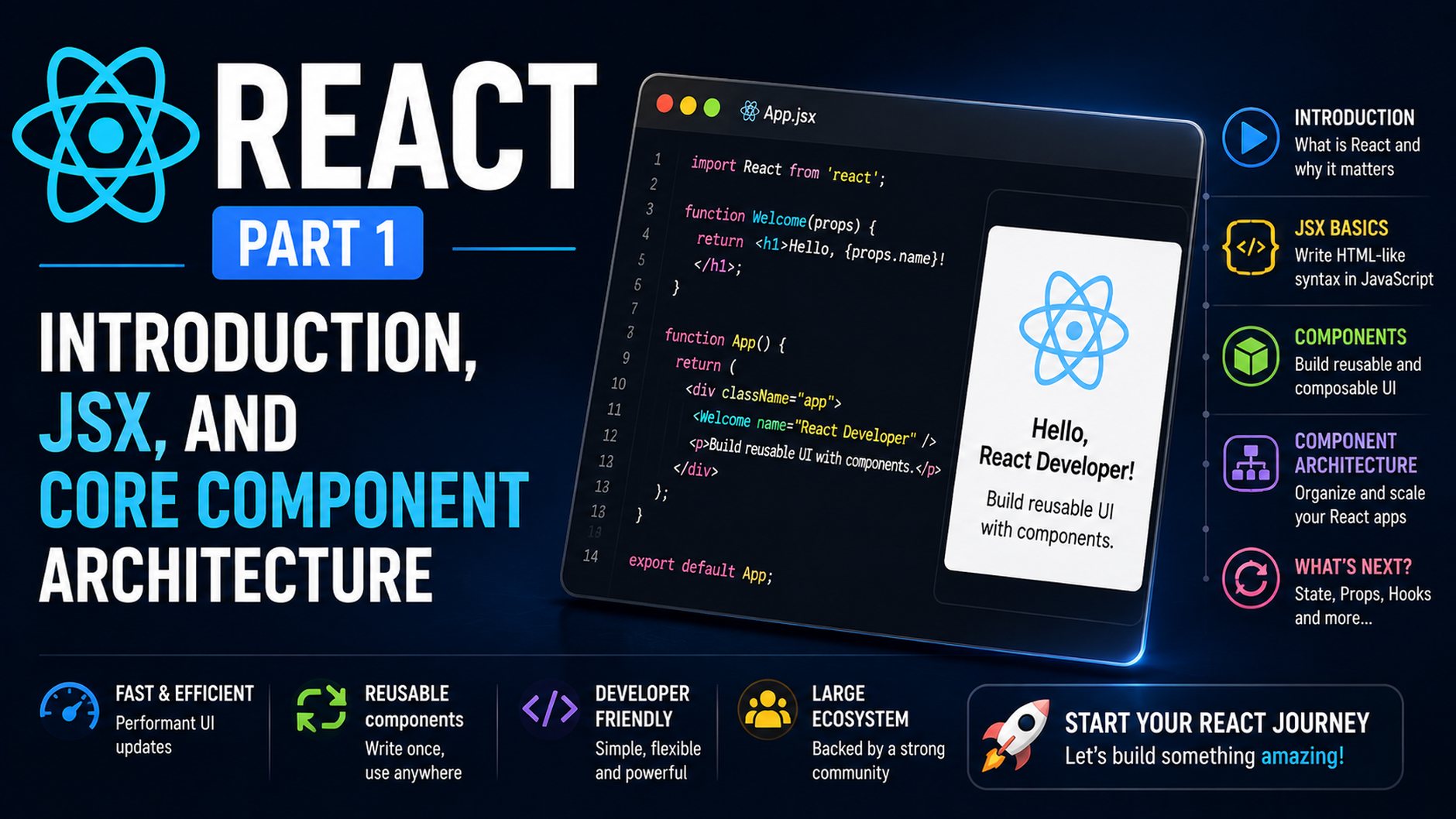
Welcome to the first installment of our comprehensive five-part series on modern React development. Whether you are migrating from vanilla JavaScript, transitioning from another frontend framework, or picking up frontend engineering for the first time, mastering react basics is the single best investment you can make in your web development toolkit. Throughout this series, we will unpack everything from foundational building blocks to advanced performance patterns. In this opening guide, we focus entirely on the core pillars: what React actually is, how the Virtual DOM functions, the mechanics of JSX, and how to construct clean, reusable component hierarchies.
What Is React and Why Does It Exist?
Created by Jordan Walke at Meta (formerly Facebook) and open-sourced in 2013, React is an open-source JavaScript library dedicated to building user interfaces. Notice the deliberate distinction here: React describes itself as a library, not a heavy-handed, opinionated framework like Angular or Ember. Rather than dictating routing, state management protocols, HTTP clients, and build configurations out of the box, React focuses squarely on a single responsibility: rendering UI predictably based on application state.
To understand why React transformed industry standards, consider the traditional landscape of frontend development. Historically, web applications relied on imperative programming. When data changed, developers had to manually query the Document Object Model (DOM), identify specific nodes, mutate text content, add or remove CSS classes, and maintain structural synchronization across multiple elements. For example, updating a shopping cart required writing imperative routines like:
// The old, imperative way
const cartCounter = document.getElementById('cart-count');
const currentCount = parseInt(cartCounter.innerText, 10);
cartCounter.innerText = currentCount + 1;
if (currentCount + 1 > 0) {
  cartCounter.classList.remove('hidden');
}
This approach breaks down quickly in complex, data-rich interfaces. State becomes scattered across the DOM itself, race conditions multiply, and UI bugs flourish because developers must manually specify how to manipulate every node at every step.
React inverts this model through declarative programming. Instead of telling the browser how to change the DOM step by step, you describe what the UI should look like for any given state. When your underlying data changes, React handles the heavy lifting of updating the screen to reflect that new data. You write your interface as a function of state: UI = f(state).
The Virtual DOM and Reconciliation
Direct DOM operations are notoriously expensive in web browsers. Modifying a DOM node triggers style recalculations, layout reflows, and pixel repaints across the rendering engine. If an application makes hundreds of direct mutations in response to user actions or streaming data, performance degrades into noticeable visual stutter.
To solve this, React introduces an abstraction known as the Virtual DOM (VDOM). The Virtual DOM is a lightweight, tree-structured JavaScript object representation of the real browser DOM. Every element, attribute, and nested node you declare exists in this memory layer.
The lifecycle of a React update operates through a sequence known as Reconciliation:
- Render: When an event triggers an update, React executes the component and generates a brand-new Virtual DOM tree representing the updated interface.
- Diffing: React compares the new Virtual DOM tree against a snapshot of the previous Virtual DOM tree using an optimized heuristic diffing algorithm (operating in linear O(n) time).
- Commit: React calculates the precise, minimal set of mutations needed and applies only those specific changes to the actual browser DOM. If a user’s name changes inside a header containing ten other static elements, only that individual text node touches the browser DOM.
Modern React powers this process via the React Fiber engine, an internal architecture that enables concurrent rendering, interruptible work, and intelligent task prioritization, ensuring user interactions remain smooth even during intensive rendering passes.
Demystifying JSX: JavaScript as a Markup Engine
One of the first concepts developers encounter when learning React is JSX (JavaScript XML). At first glance, JSX appears to violate the traditional separation of concerns by placing HTML directly inside JavaScript files. However, JSX is not HTML, nor is it a template language. It is a syntax extension for JavaScript that provides a familiar visual representation of UI trees.
How JSX Translates Under the Hood
Browsers cannot execute JSX natively. During your project’s build phase, compilers like Babel, SWC, or ESBuild transform JSX tags into standard JavaScript function invocations. Consider this JSX snippet:
const badge = <span className="status-pill active">Online</span>;
The compiler translates this into the modern React runtime call:
import { jsx as _jsx } from 'react/jsx-runtime';

const badge = _jsx('span', {
  className: 'status-pill active',
  children: 'Online'
});
Under the historical React API, this was represented as React.createElement('span', { className: 'status-pill active' }, 'Online'). Understanding this transformation clarifies why JSX behaves the way it does: every JSX tag is an expression that evaluates to a plain JavaScript object describing an element.
Essential JSX Rules
Because JSX is transpiled into JavaScript objects, it adheres to several strict syntactical rules:
- Single Root Element: A component or expression must return a single top-level element. You cannot return multiple sibling elements without wrapping them in an outer container or a React Fragment (
<>...</>). This restriction exists because a JavaScript function cannot return two separate objects simultaneously without an enclosing array or object. - HTML Attribute Differences: Certain HTML attribute names collide with reserved JavaScript keywords. Consequently, JSX uses
classNameinstead ofclass, andhtmlForinstead offor. - Explicit Self-Closing Tags: In standard HTML, tags like
<img>,<input>, and<br>do not require closing slashes. In JSX, all void tags must be explicitly self-closed (e.g.,<img src="avatar.png" alt="User" />). - Embedding Dynamic Expressions: You can inject any valid JavaScript expression into your markup by wrapping it in curly braces
{}. This includes variables, arithmetic operations, template literals, function calls, and array methods.
function WelcomeBanner() {
  const user = { firstName: 'Alex', role: 'Architect' };
  const unreadAlerts = 3;

  return (
    <header className="banner">
      <h1>Welcome back, {user.firstName}!</h1>
      <p>Role: {user.role.toUpperCase()}</p>
      <p>
        {unreadAlerts > 0
          ? `You have ${unreadAlerts} unread notification(s).`
          : 'All caught up!'}
      </p>
    </header>
  );
}
The Component Mental Model
The core architectural unit in React is the component. A component is a self-contained, reusable piece of UI that encapsulates its own markup, styling logic, and behavioral rules. Think of components as custom HTML elements engineered for your specific domain.
Historically, React relied on Class components that extended React.Component and implemented lifecycle methods like componentDidMount. Modern React has shifted completely to Functional Components. A functional component is simply a JavaScript function that accepts input parameters (called “props”) and returns JSX.
Adopting the component mindset requires breaking a user interface down into a hierarchy of atomic elements. For example, a social media feed is not a single monolith; it is a composed tree:
AppNavigationBarSearchBarUserAvatar
FeedContainerCreatePostFormPostListPostCard(rendered repeatedly for each data item)
This composition model fosters code reuse, facilitates isolated testing, and allows development teams to work on independent pieces of an interface without introducing merge conflicts across the codebase.
Props: Unidirectional Data Flow
Components become genuinely useful when they can render dynamic content passed down from their parents. In React, this communication channel is handled via props (short for “properties”).
Props represent the parameters of your component functions. They flow in a single direction: from parent to child. This is known as unidirectional data flow. A child component reads props to determine what to display, but it cannot alter the props it receives. In the React paradigm, props are strictly read-only and immutable.
Destructuring and Default Props
Because props are passed as a single object argument, modern JavaScript allows us to destructure them directly in the function signature for clean, readable code:
// UserProfileCard.jsx
function UserProfileCard({ name, title, department = 'Engineering', isVerified }) {
  return (
    <article className="profile-card">
      <div className="header">
        <h2>{name} {isVerified && <span className="verified-badge">✓</span>}</h2>
        <span className="title">{title}</span>
      </div>
      <p className="department">Department: {department}</p>
    </article>
  );
}
When invoking this component from a parent, attributes are passed using JSX syntax:
// App.jsx
function App() {
  return (
    <main>
      <UserProfileCard
        name="Elena Rostova"
        title="Principal Systems Engineer"
        isVerified={true}
      />
      <UserProfileCard
        name="Marcus Vance"
        title="UI Designer"
        department="Product Design"
        isVerified={false}
      />
    </main>
  );
}
The Power of props.children
React provides a reserved prop named children. Any content placed between an opening and closing component tag is automatically passed as the children prop. This unlocks powerful structural patterns such as wrapper cards, modals, layout grids, and notification containers:
function CardContainer({ title, children }) {
  return (
    <section className="card-box">
      <header className="card-box-header">
        <h3>{title}</h3>
      </header>
      <div className="card-box-body">
        {children}
      </div>
    </section>
  );
}

// Usage:
function Dashboard() {
  return (
    <CardContainer title="System Status">
      <p>All services operational across 12 nodes.</p>
      <button type="button">Run Diagnostics</button>
    </CardContainer>
  );
}
Project Structure and Modern Tooling
To write React today, you need modern build tooling that handles JSX compilation, bundling, and local development servers with Fast Refresh. While historical tutorials often reference create-react-app (CRA), the React ecosystem has moved on. Today, industry standards favor Vite for client-rendered applications and frameworks like Next.js or Remix for full-stack, server-rendered applications.
To initialize a clean, modern React project using Vite, you can run:
npm create vite@latest my-