The Rise of the Dual-Screen Mobile Workspace
For years, professionals and gamers alike were tethered to traditional desktop setups. If you wanted the productivity of a dual-screen monitor layout, you had to remain anchored to a physical desk, surrounded by heavy stands, power bricks, and a tangle of display cables. However, the rise of remote work, hybrid schedules, and flexible travel lifestyles has fundamentally changed how we interact with our computers. Modern laptop users require desktop-level multitasking efficiency without being restricted to a single physical location.
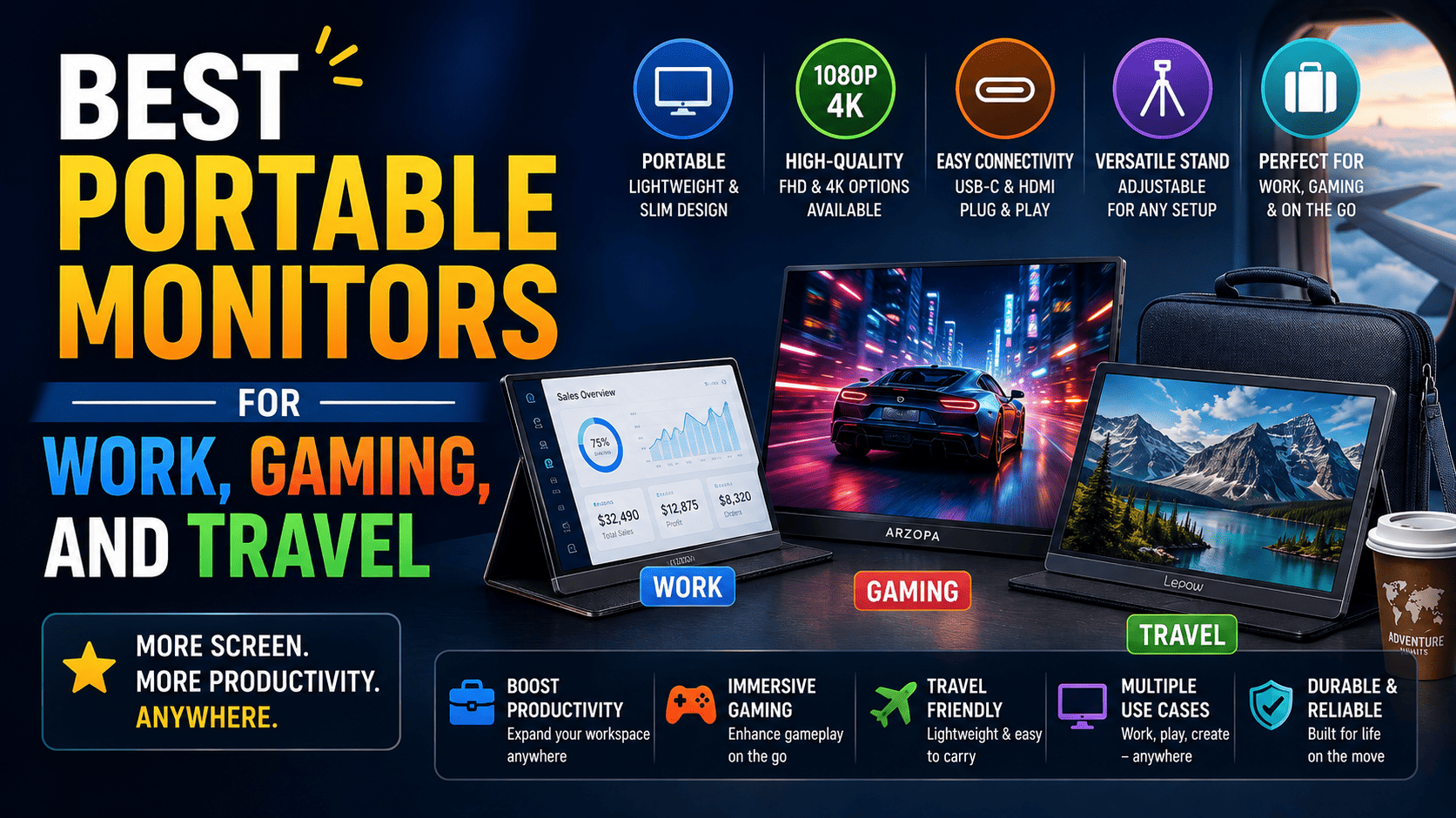
This shift has fueled the massive popularity of portable monitors. These lightweight, ultra-thin displays plug directly into your laptop, tablet, or smartphone to instantly double your screen real estate. Whether you are analyzing complex spreadsheets in a crowded coffee shop, presenting design mockups to a client on-site, or enjoying high-refresh-rate gaming in a hotel room, a secondary mobile display can completely transform your workflow. In this comprehensive guide, we will break down the absolute best mobile displays on the market today and explain exactly what you need to look for to find the perfect fit for your specific lifestyle.
Why You Should Invest in a Portable Monitor
If you are accustomed to working solely on a standard 13-inch or 15-inch laptop display, you are likely losing hours of productivity to digital clutter. Constantly minimizing windows, toggling between browser tabs, and resizing applications creates mental friction and slows down your output. Research has consistently shown that adding a second screen can boost daily productivity by up to forty percent. Here are some of the key reasons to add a secondary mobile display to your everyday carry bag:
- Seamless Multitasking: Run your primary workspace, like a text editor or coding environment, on your laptop screen while keeping your research, communication tools, or reference materials open on your secondary display.
- Client-Facing Presentations: Easily duplicate your display and turn the secondary screen toward a client sitting across a table, allowing for collaborative and engaging face-to-face meetings.
- Console and Mobile Gaming: Turn your Nintendo Switch, Steam Deck, or smartphone into a portable gaming console setup with a large, vibrant panel that easily fits inside a backpack.
- Ergonomic Improvements: Placing a secondary screen on a dedicated stand at eye level helps prevent the neck fatigue and slouching commonly associated with staring down at laptop keyboards for long periods.
Key Features to Consider Before Buying
Not all secondary displays are created equal. Depending on your primary use case, a feature that is critical for a creative designer might be completely unnecessary for a casual remote worker. To ensure you make the right investment, pay close attention to these essential technical specifications:
Panel Type: IPS vs. OLED
The panel technology determines the overall color accuracy, contrast, viewing angles, and price of the display. IPS (In-Plane Switching) is the industry standard for general office productivity and mid-range displays. IPS panels offer excellent viewing angles and highly accurate color reproduction, making them perfect for collaborative office environments. On the other hand, OLED (Organic Light Emitting Diode) panels represent the absolute premium tier of display technology. OLED screens offer infinite contrast ratios, pitch-black dark levels, and incredibly vivid colors because each individual pixel emits its own light. While OLED displays are significantly more expensive, they are the gold standard for creative professional designers, photo editors, and hardcore gamers.
Screen Size and Resolution
The most common sizes for mobile displays range from 13.3 inches up to 17.3 inches. A 15.6-inch screen is generally considered the sweet spot for balance, offering plenty of visual space while fitting comfortably into standard commuter laptop bags. For resolution, 1080p (Full HD) is the baseline standard. It is highly energy-efficient and perfectly sharp enough for general text editing, web browsing, and administrative work. If you work with high-resolution imagery, video timelines, or complex CAD software, upgrading to a 4K (UHD) screen will provide incredible detail, though it will draw significantly more power from your host laptop.
Connectivity and Power Delivery
Older mobile screens required separate power cords and video cables, creating a cluttered mess. Today, the best options utilize USB-C Alt Mode technology. This allows a single USB-C cable to transmit both the video signal and operational power directly from your laptop to the monitor. This is known as “one-cable setup.” Look for displays that offer USB-C pass-through power delivery. This feature allows you to plug your laptop charger directly into the monitor, which then passes power through to charge your laptop, keeping both devices running off a single wall outlet.
Refresh Rates and Response Times
For standard office work, a 60Hz refresh rate is perfectly adequate. However, if you plan to use your portable screen for gaming, you should look for panels offering 120Hz, 144Hz, or even higher refresh rates. A higher refresh rate, combined with low response times, ensures fast-paced action sequences look incredibly smooth, minimizing motion blur and input lag.
The Best Portable Monitors on the Market
To help you navigate the crowded market, we have categorized the top performers based on specific user needs and budgets.
Best Overall for General Productivity: The Mid-Size IPS Workhorse
For the average remote worker, freelance writer, or digital nomad, a reliable, lightweight 15.6-inch IPS screen is the ultimate companion. Look for models in this category that feature built-in kickstands rather than flimsy magnetic folio covers. A built-in kickstand allows you to adjust the viewing angle precisely and even transition the monitor into portrait mode for reading long documents, programming code, or scanning social media feeds. These models typically feature standard 1080p resolution, excellent anti-glare coatings to combat bright office lighting, and robust physical builds that can handle the bumps of daily travel without scratching.
Best for Creative Professionals: The Premium Color-Accurate OLED
Photographers, video editors, and digital artists cannot afford to compromise on color accuracy. For these users, a color-calibrated OLED display is an absolute must-have tool. Look for options that offer 100% DCI-P3 color gamut coverage and factory-certified calibration out of the box. These professional-grade screens allow creatives to edit photos and color-grade videos on-site with the exact same precision they would expect from their expensive desktop studio monitors. Additionally, look for models that include a native hood to block ambient light and glare, allowing you to maintain perfect color control even when working outdoors or in brightly lit coffee shops.
Best for Gamers: High-Refresh-Rate Portability
Gamers need speed, responsiveness, and compatibility with a wide range of devices. The best gaming-focused displays offer 144Hz to 240Hz refresh rates alongside built-in sync technologies like AMD FreeSync or Nvidia G-Sync compatibility. These features eliminate screen tearing and stuttering during high-stakes competitive matches. Gamers should also prioritize displays that include both USB-C and Mini-HDMI inputs, making it incredibly simple to connect everything from a modern gaming laptop to a PlayStation 5, Xbox Series X, or Nintendo Switch on the go. Some premium gaming models even feature built-in rechargeable batteries, letting you game for hours without draining your phone or console battery.
Best on a Budget: Affordable Utility
If you only need a secondary screen occasionally for light travel or home budgeting, you do not need to spend a fortune. The budget category has improved dramatically over the last few years. Today, you can easily find highly capable 15.6-inch Full HD monitors that offer bright IPS panels and dual USB-C ports at highly competitive prices. While they may lack premium additions like touchscreens, built-in batteries, or ultra-thin metal chassis, they offer the exact same basic productivity benefits as their more expensive counterparts.
How to Optimize Your Dual-Screen Travel Setup
Once you have selected and purchased your display, a few simple adjustments can greatly improve your day-to-day user experience:
- Align Your Windows Settings: Always go into your operating system’s display settings to arrange the virtual screens to match their actual physical placement on your desk. This prevents your mouse cursor from getting stuck or jumping unexpectedly when moving between screens.
- Adjust Display Scaling: Because these screens are relatively compact, high resolutions can sometimes make text look microscopic. Don’t hesitate to adjust your display scaling settings to 125% or 150% to maintain comfortable readability.
- Pack the Right Cables: Keep in mind that not all USB-C cables are capable of transmitting video signals. Always use the high-speed, video-enabled USB-C cable that came in the box with your monitor, and keep a spare high-quality cable in your travel bag just in case.
- Protect Your Investment: Even the most durable displays are susceptible to pressure damage when packed tightly into a fully loaded backpack. Always store your monitor in a padded sleeve or use its magnetic cover to shield the glass panel from laptop corners or heavy chargers.
Final Thoughts
Adding a secondary screen to your mobile setup is one of the single most impactful upgrades you can make to your daily workflow. By freeing yourself from the limitations of a single, cramped laptop screen, you can work faster, reduce mental fatigue, and enjoy high-quality entertainment wherever your adventures take you. Assess your daily workflow, decide on your budget, and choose a display that fits your specific portability needs.
If you enjoyed this hardware breakdown and want to learn more about optimizing your remote work setup, boosting your office productivity, or upgrading your gaming gear, be sure to check out our other detailed guides and reviews in the General category.