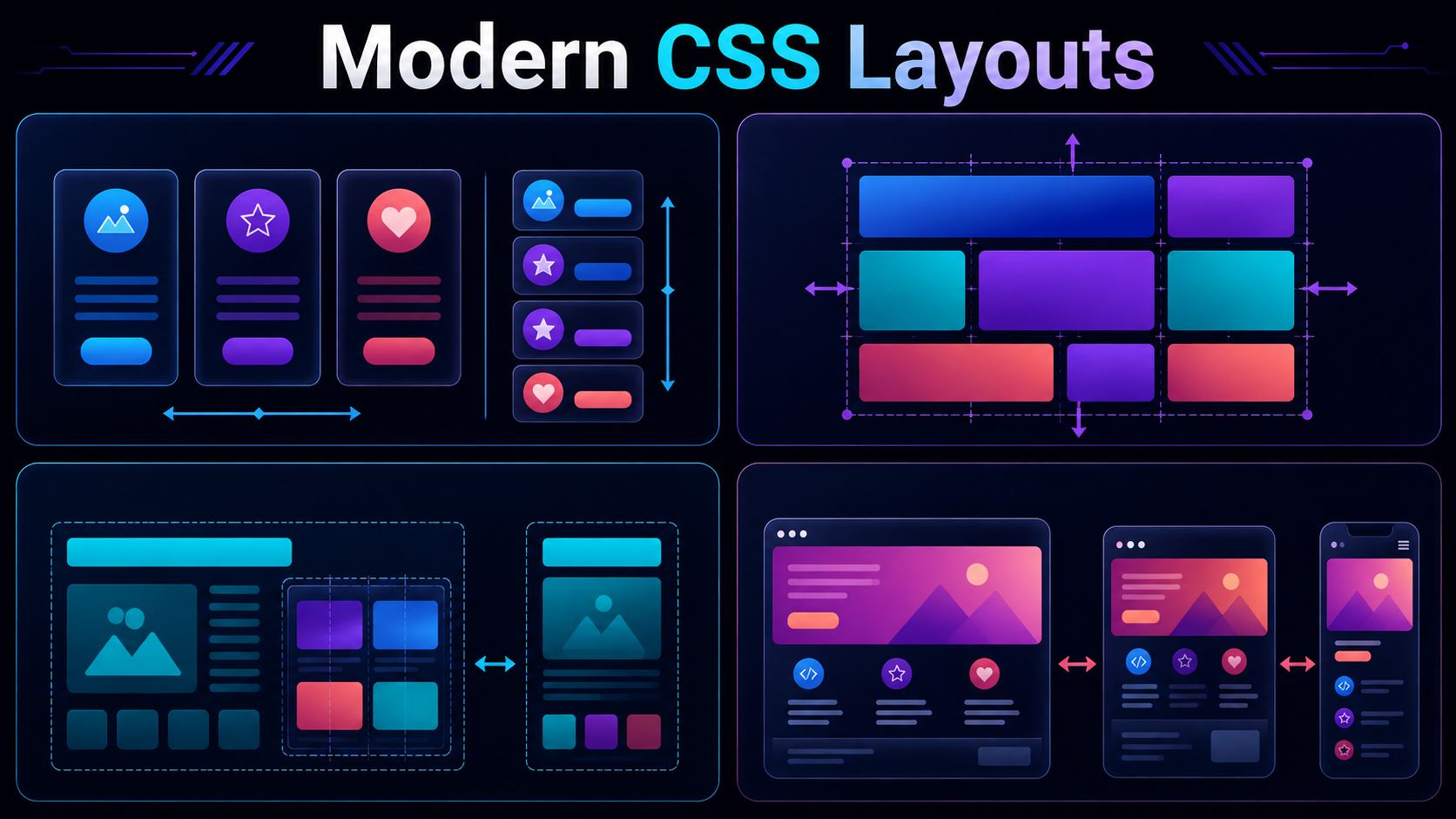
Welcome back to Techie Tweetz, your home for all things web development, software engineering, and digital design. This article is Part 3 of our ongoing series, Modern CSS Layouts. In our previous installments, we unpacked the foundational aspects of CSS Grid, Flexbox, and logical properties. However, if you are just joining us today, do not worry: this guide is written as a complete, standalone deep dive into two of the most transformative features added to the CSS specification in the last decade: container queries and CSS Grid subgrid.
For years, responsive web design meant styling components relative to the size of the user’s viewport. While this approach served us well during the desktop-to-mobile transition, it has become a major architectural bottleneck in the age of modular component libraries. Modern web applications are built using reusable, independent components. If you design a card component, that card might live in a wide main content area, a narrow sidebar, or a multi-column grid. Viewport-based media queries struggle to handle these distinct contexts cleanly. That is where container queries step in, shifting our styling paradigm from page-level responsiveness to component-level responsiveness.
Alongside container queries, CSS Grid subgrid offers a complementary superpower: allowing nested grids to align seamlessly with their parent grid tracks. Together, these two features give frontend developers unprecedented control over complex, nested, and fluid layouts. Let us explore how these techniques work, why they matter, and how you can implement them in your projects today.
The Evolution from Media Queries to Container Queries
To understand why we need container queries, we must look at how layout design has evolved. Traditional CSS media queries target the global viewport. For example, you might write a rule stating that if the browser window is wider than 768 pixels, the main layout should switch from a single-column block format to a multi-column flex layout.
This works perfectly for macro-layouts, such as moving a navigation menu from a mobile drawer to a horizontal desktop bar. But it breaks down when we look at micro-layouts. Imagine you are building an e-commerce website with a product card component. This card contains an image, a title, a price, a short description, and a button. You want this card to display in a stacked vertical layout when it is in a narrow column, and a horizontal layout when it is in a wide container.
<